Gallery




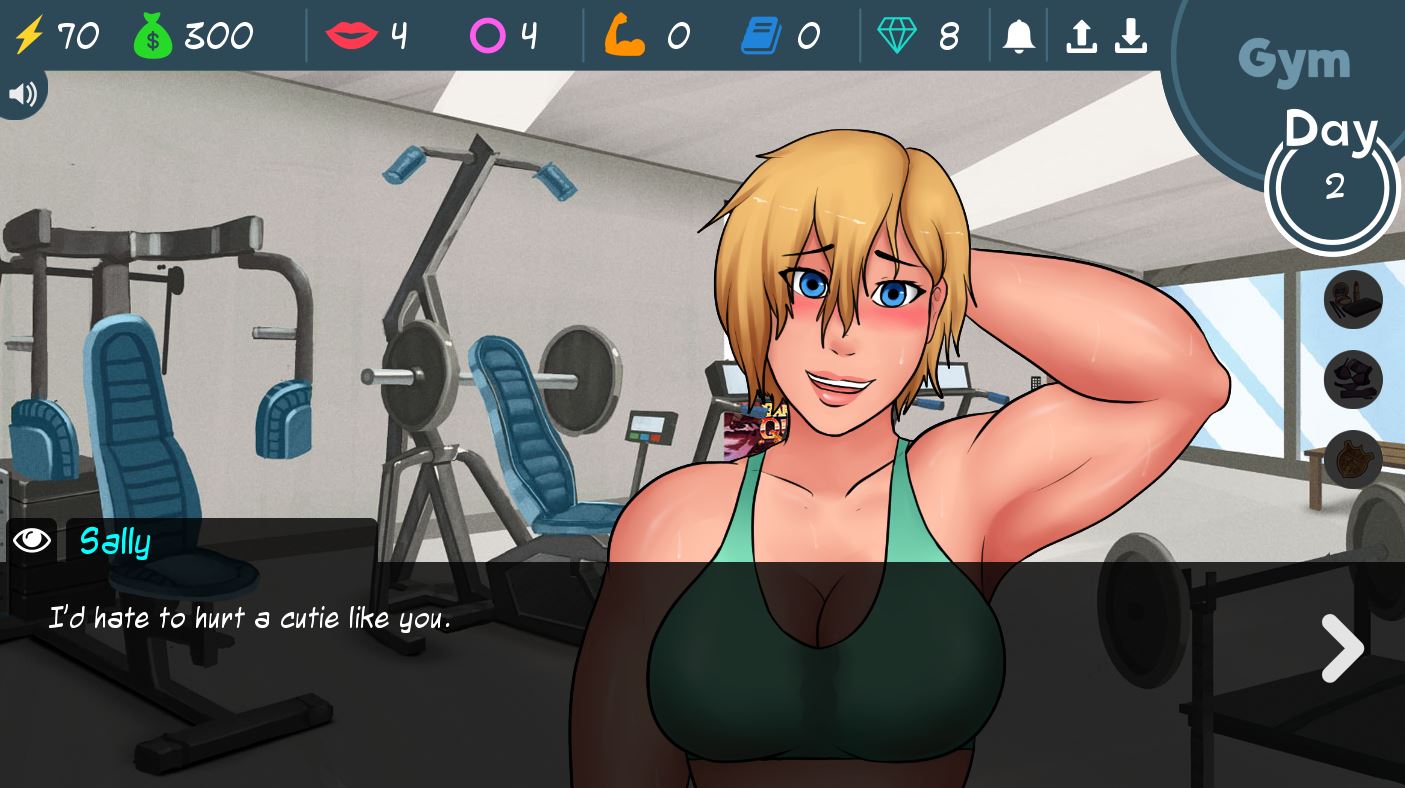
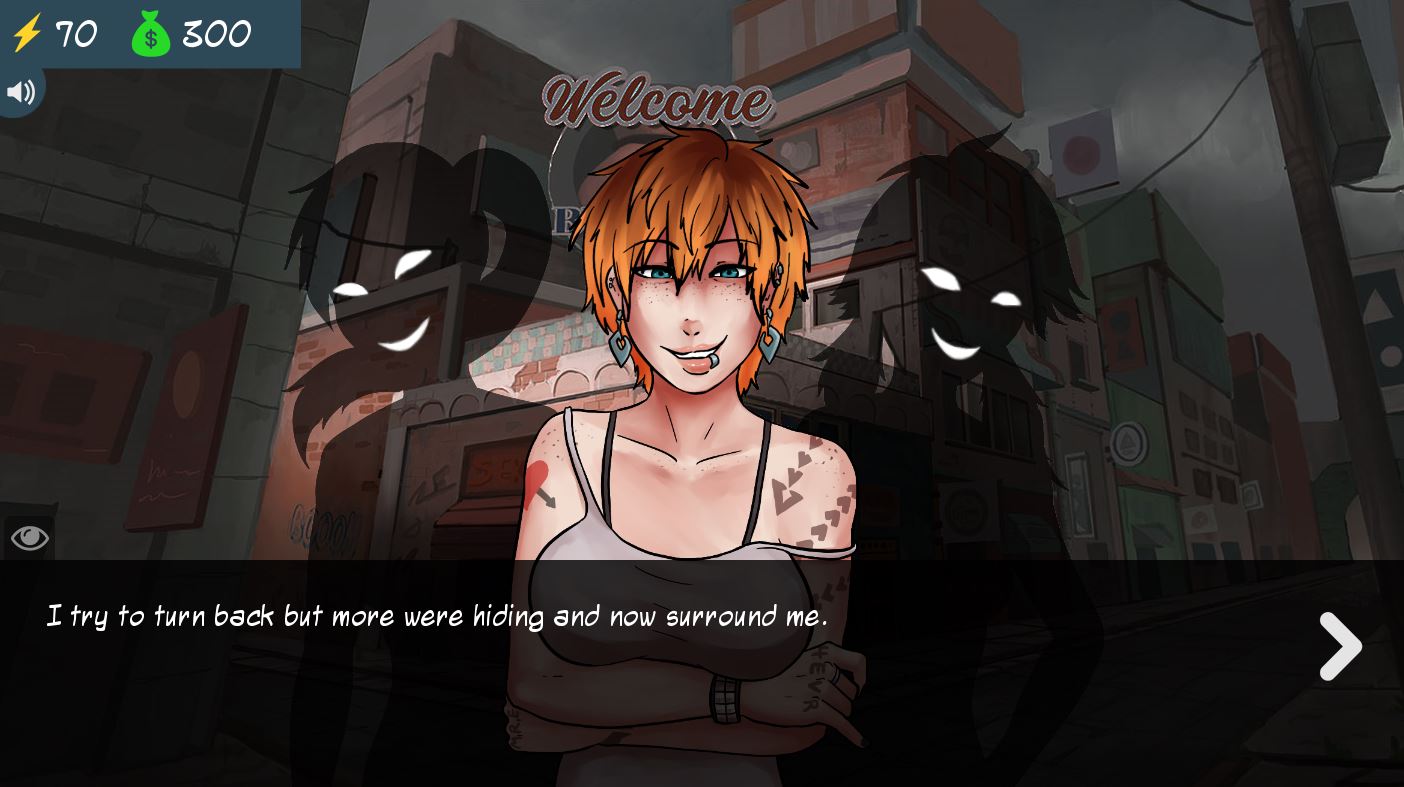
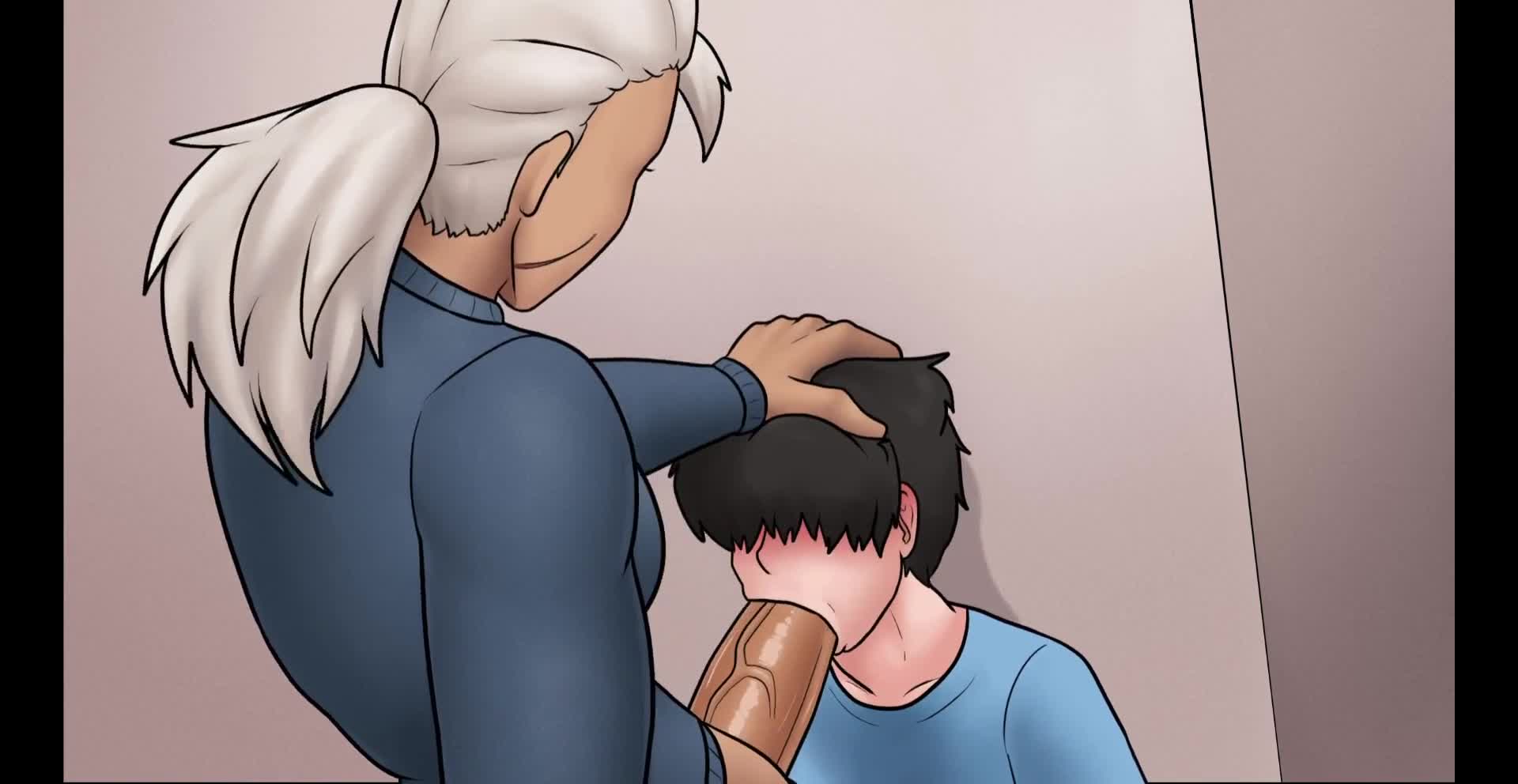
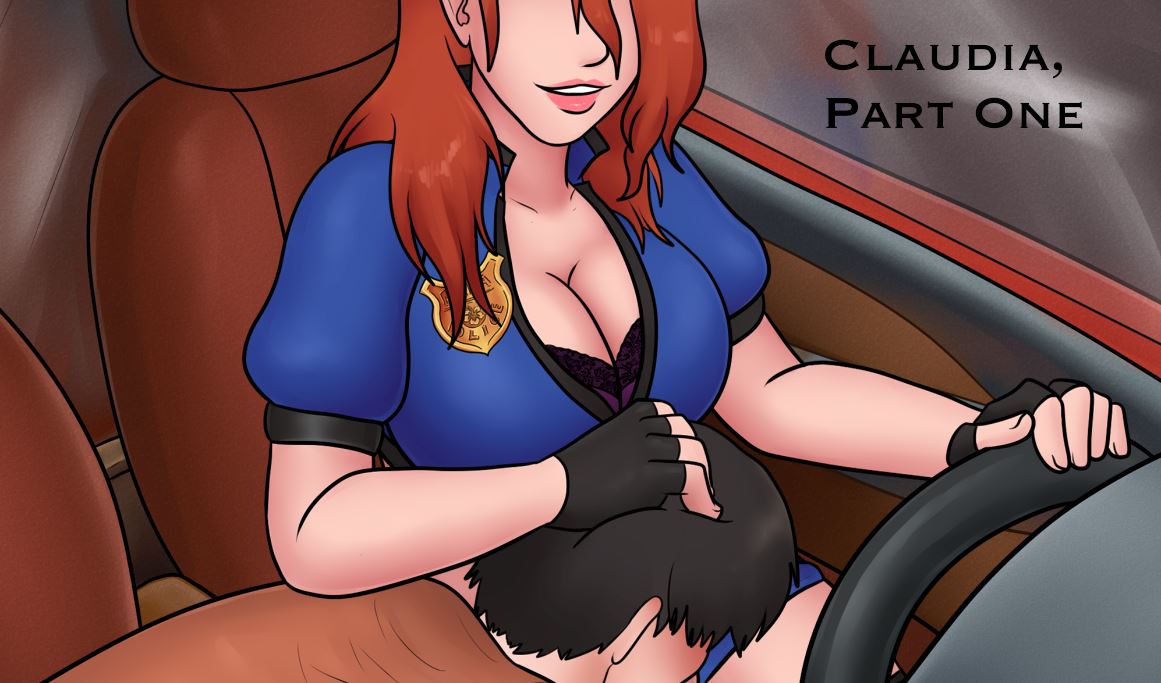

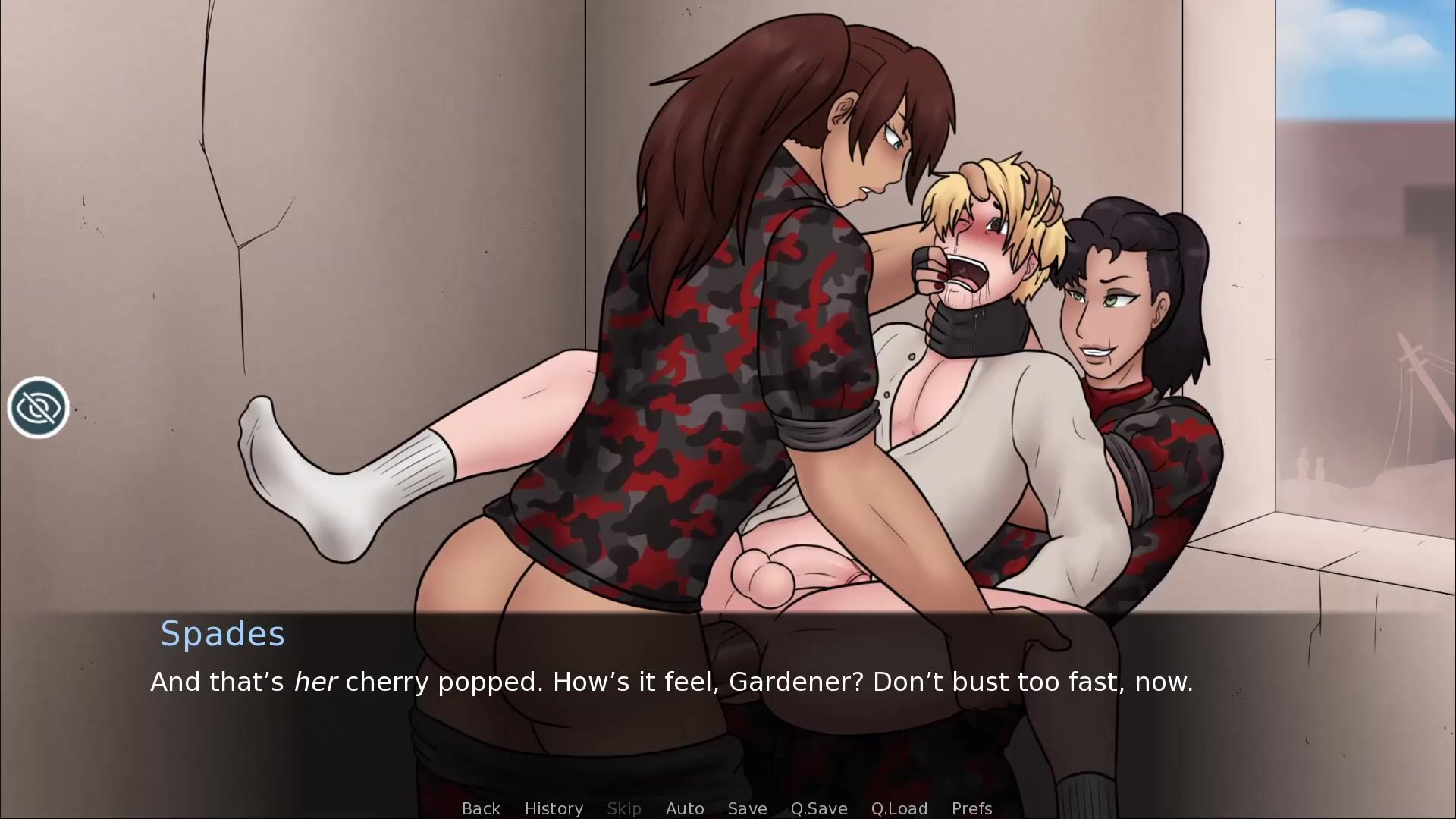
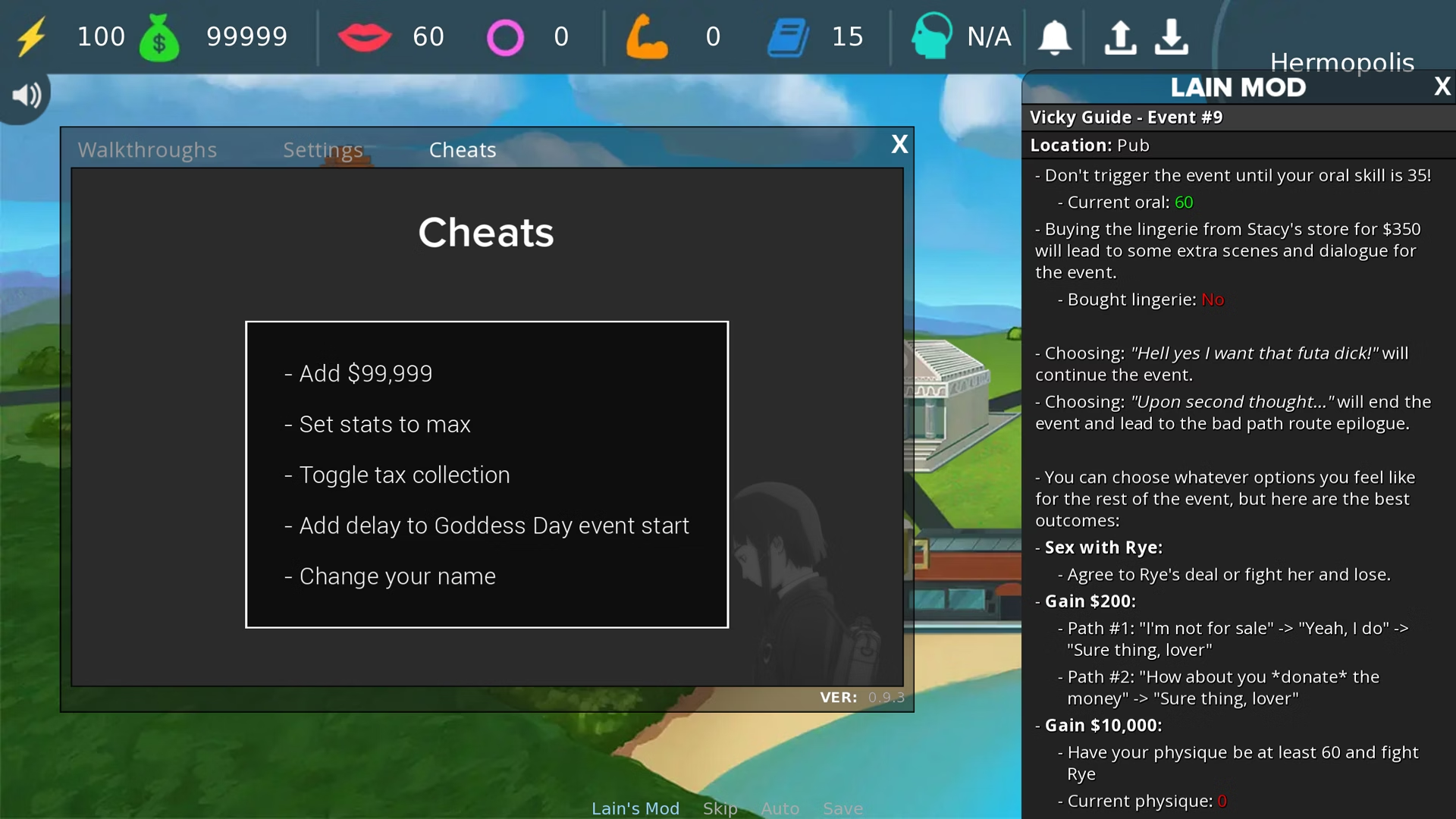

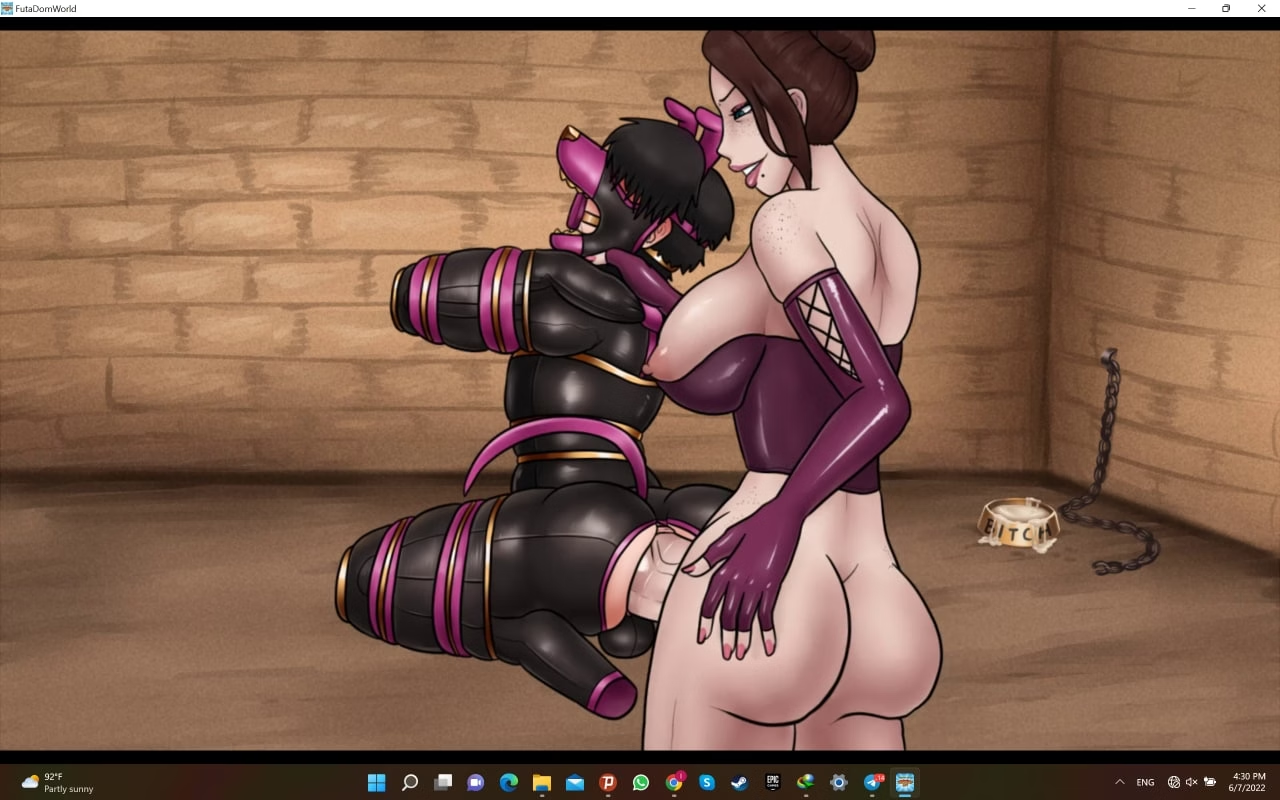


Gallery Unlock: –
Make sure the filename is gallery_unlocker.rpy and place it in the /game/ folder.
Walkthrough Mod: –
PC: Unzip the mod and put the folder named “game” from the mod into your “FutaDomWorld-0.9.4-pc” folder and click ‘replace files’.
Mac: Unzip the mod -> Right click your FutaDomWorld app -> Click “Show Package Contents” -> Open the “Contents/Resources/autorun” folder -> Hold the Option key and drag the folder named “game” from the mod into the “autorun” folder -> Click ‘merge & replace’
Using the mod: To open the mod menu after installing the mod, click the mod button on the bottom of the screen when you’re in-game, or press the “g” or “m” key at any time.

![[NO SOUND] FutaDomWorld Gallery 0.9.3](https://hentai44.com/wp-content/uploads/2024/12/NO-SOUND-FutaDomWorld-Gallery-093-364x205.jpg)
![Tacarasu v0.47 – Walkthrough Part 8 [ Itaguassu ]](https://hentai44.com/wp-content/uploads/2025/01/Tacarasu-v047-Walkthrough-Part-8-Itaguassu--364x205.jpg)
![Tacarasu v0.47 – Walkthrough Part 9 ( End ) [ Itaguassu ]](https://hentai44.com/wp-content/uploads/2025/01/Tacarasu-v047-Walkthrough-Part-9-End-Itaguassu--364x205.jpg)
![Tacarasu v0.47 – Walkthrough Part 6 [ Itaguassu ]](https://hentai44.com/wp-content/uploads/2025/01/Tacarasu-v047-Walkthrough-Part-6-Itaguassu--364x205.jpg)
![Tacarasu v0.47 – Walkthrough Part 7 [ Itaguassu ]](https://hentai44.com/wp-content/uploads/2025/01/Tacarasu-v047-Walkthrough-Part-7-Itaguassu--364x205.jpg)
![Tacarasu v0.47 – Walkthrough Part 4 [ Itaguassu ]](https://hentai44.com/wp-content/uploads/2025/01/Tacarasu-v047-Walkthrough-Part-4-Itaguassu--364x205.jpg)
![Tacarasu v0.47 – Walkthrough Part 5 [ Itaguassu ]](https://hentai44.com/wp-content/uploads/2025/01/Tacarasu-v047-Walkthrough-Part-5-Itaguassu--364x205.jpg)
![Tacarasu v0.47 – Walkthrough Part 2 [ Itaguassu ]](https://hentai44.com/wp-content/uploads/2025/01/Tacarasu-v047-Walkthrough-Part-2-Itaguassu--364x205.jpg)
![Tacarasu v0.47 – Walkthrough Part 3 [ Itaguassu ]](https://hentai44.com/wp-content/uploads/2025/01/Tacarasu-v047-Walkthrough-Part-3-Itaguassu--364x205.jpg)